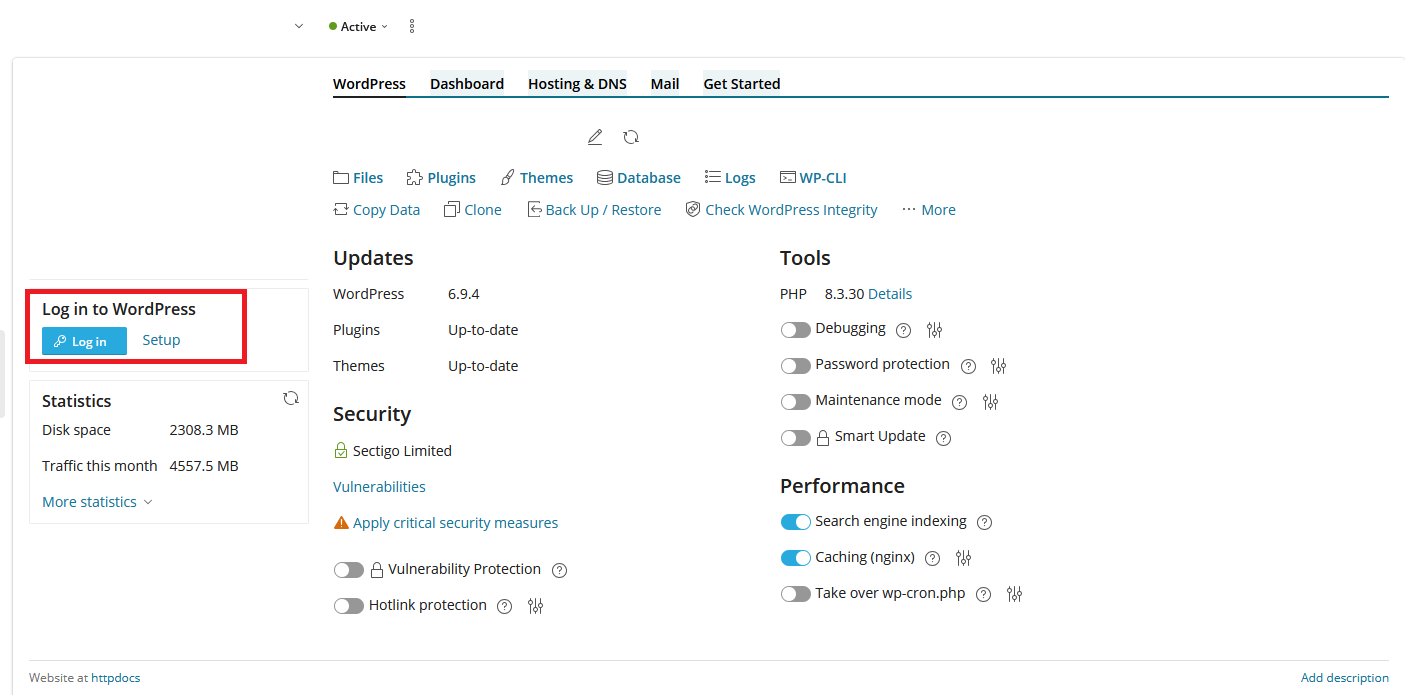
The following instructions are for resetting your WordPress admin password via the Plesk hosting panel.
1) Log in to your IB Client Area (https://www.ib.com.au/login).
2) Click on Products then on the site you would like to change, click View then Login/Manage Plesk (Big orange button).
3) On the left there should be a preview image of your website - underneath this there is a 'Setup' button. Click on this.
4) Select the user you wish to change the password for.
5) Enter your new password.
6) Click 'Change'.
Once the password is reset you can click the blue 'Login' button to instantly be taken to your WordPress dashboard.