This guide explains how to use the Plesk Backup Manager.
1. Log in to the Client Area
2. Click on Products
3. Under Categories select Web Hosting
4. Click View Details next to the account you wish to manage
5. Click Manage / Login To Plesk
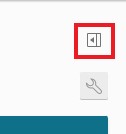
6. Click the little box with the arrow on the far top right-hand side to expand the sidebar menu
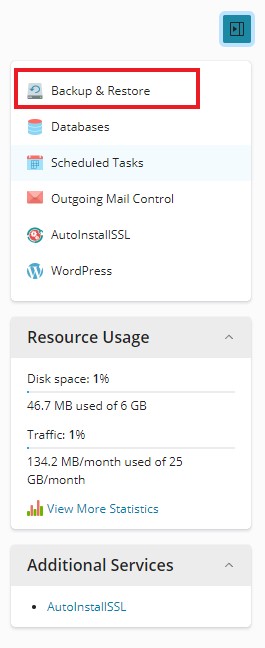
7. Click the first option in this sidebar menu labelled Backup & Restore
8. Click the Backup button at the top

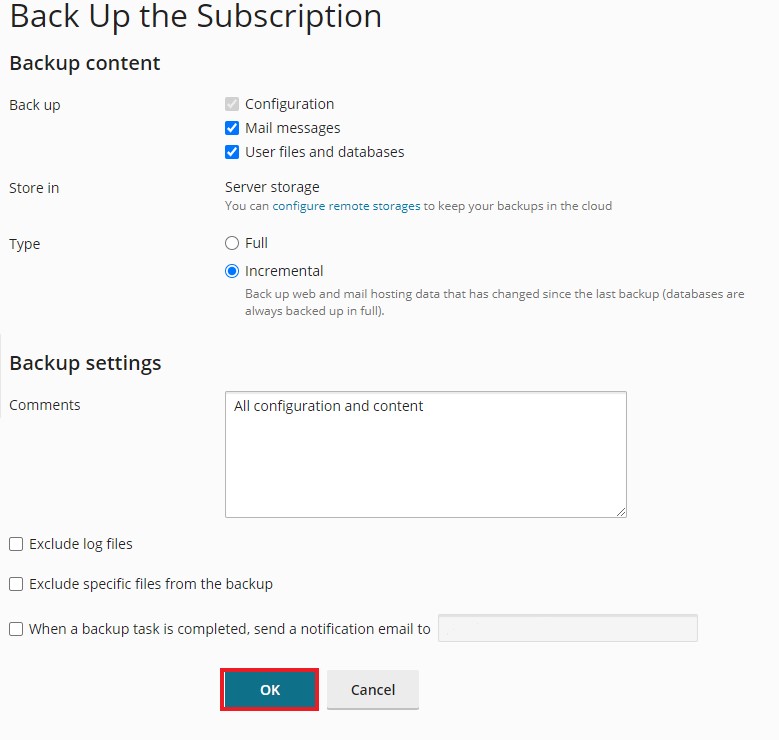
Leave the Default settings as Incremental as if this is the first Backup, it will do a full backup automatically.
9. Click OK